 Elena04:12
 Maya04:20
 You04:31
Remember every detail.
Every call you start is recorded on your Mac, so you can play back exactly what was said.
SpeakClaw listens with you on calls — press ⌘↵ and a suggested answer appears on your screen, built from your own experience. Everywhere else on your Mac, hold fn and talk instead of typing.
Free to start · Apple Silicon and Intel · Also on Windows (beta)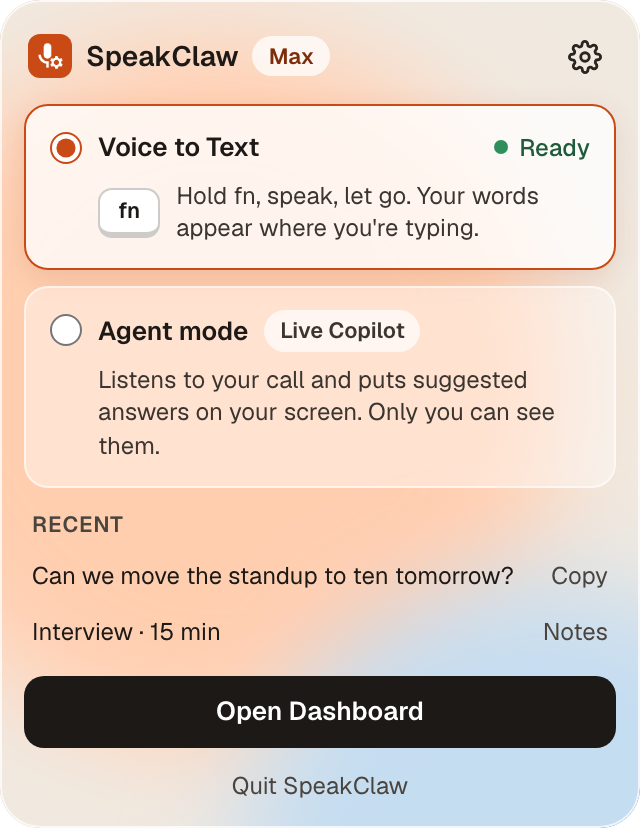
Works with the apps you already use
Interviews, sales calls, meetings. SpeakClaw hears both sides, tells the voices apart, and is ready the moment you need it — no bot joins your call.
 Launch planningWeekly product sync · 3 peopleSpeakClaw is listening
Both sides of the call, with the voices told apart. Name them once and the notes use their names.
Press ⌘↵ and a suggested answer appears in a small bar on your screen. Nothing pops up unless you ask.
Decisions, action items and the full transcript, ready the moment you hang up.
Prepare once, speak with confidence, and walk away with everything written down.
Every call you start is recorded on your Mac, so you can play back exactly what was said.
Look at the people, not your notes. SpeakClaw keeps up, so you can listen properly and answer clearly.
Built from your CV, the job, your product or your notes — not generic lines.
Press ⌘↵ when you want help. Nothing appears unless you ask.
Recordings stay on your Mac. SpeakClaw records only calls you start, and the bar can stay out of screen shares so your notes stay yours.
Copy them, share them, or open them on your dashboard on the web.
You think faster than you type. Hold fn, say it, let go — your words land wherever your cursor is.
In email, Slack, Notion, your code editor — anywhere there’s a cursor.
Pause, think, carry on. Teach it names and jargon and it gets them right.
About a quarter of a second later, your words are there — ready to send.
Every dictation is in your history, so nothing you said gets lost.
Whether you’re interviewing this week, selling all day or running the team — SpeakClaw fits in without changing how you work.
No card to start. Cancel any time.
Try both modes and see if it fits your day.
For everyone who writes all day.
For interviews, sales calls and meetings.
Hold fn anywhere on your Mac, speak, and let go. Your words are typed where your cursor is. In Agent mode, start an interview, sales call or meeting and press ⌘↵ whenever you’d like a suggested answer on your screen.
Any app you can type in — email, Slack, Notion, your browser, your code editor, the terminal. There’s also a VS Code extension.
Yes. Recordings of your calls stay on your Mac. Dictation audio is sent over an encrypted connection to be transcribed and isn’t kept on our servers. SpeakClaw records a call only when you start one.
Ten dictations every week, and three Agent mode calls to try it (interviews, sales calls and meetings share them). No card needed. Pro is $8 a month for unlimited Voice to Text; Max is $35 a month for unlimited Agent mode.
No bot joins your call. Suggestions appear in a small bar on your own screen, and you can keep that bar out of screen shares so your notes stay yours. Let people know when you’re recording a call.
Yes, in beta. Voice to Text works today: hold Ctrl+Win, speak, and let go. Agent mode is coming to Windows soon. It runs on Windows 10 and 11 (64-bit). The first time you open the installer, Windows SmartScreen shows a warning — click More info, then Run anyway. Get it at speakclaw.com/download/windows.
Download the app, open it, and drag SpeakClaw to Applications. A short setup asks for your microphone and the permission to type for you.
Download SpeakClaw, hold fn, and try it in the next app you open.